Support 24/7: 0941.415.588 Tiếng Việt

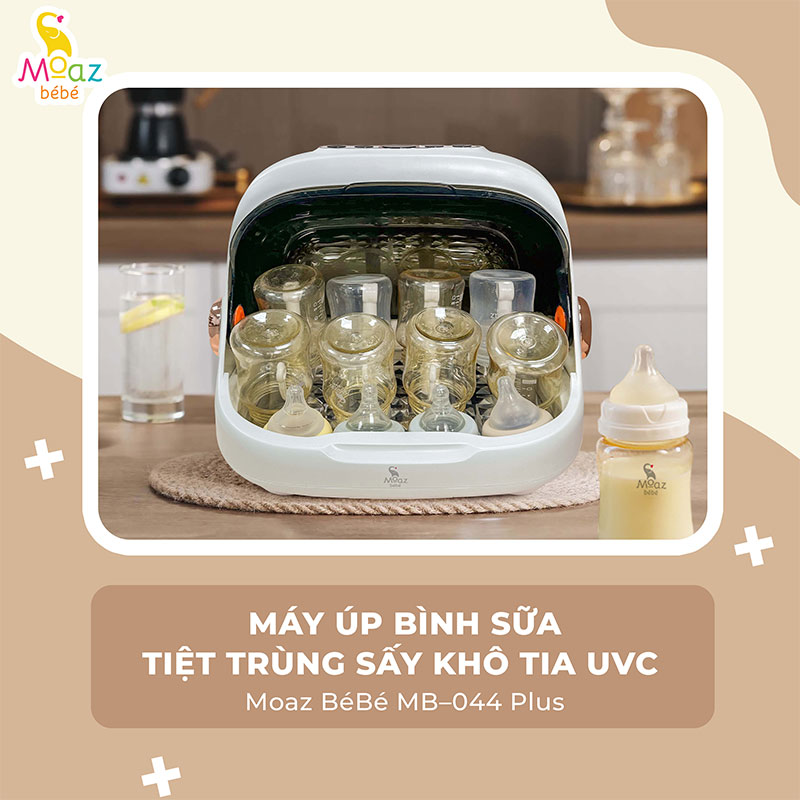
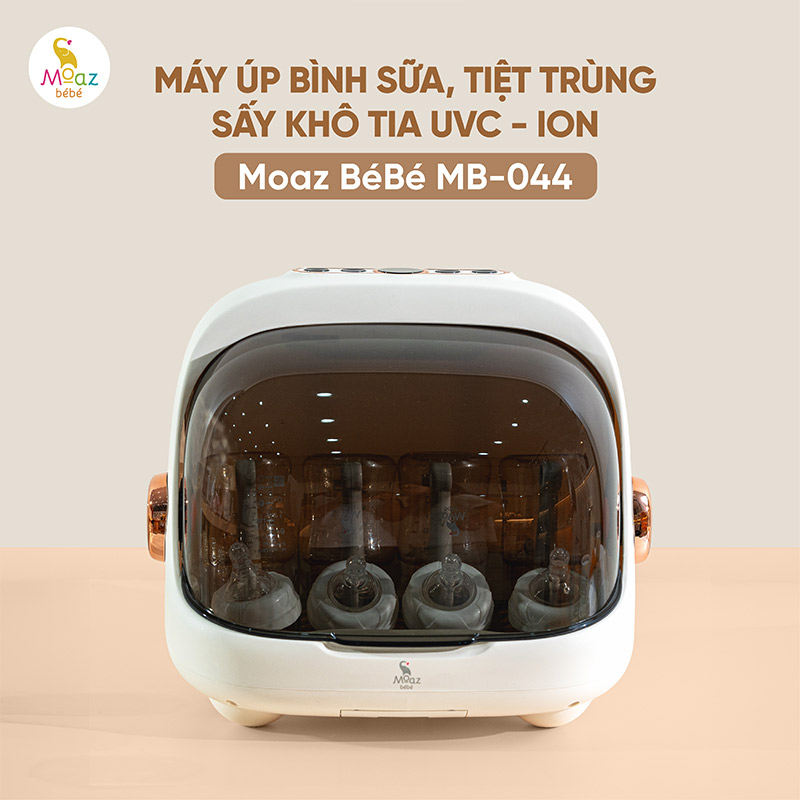
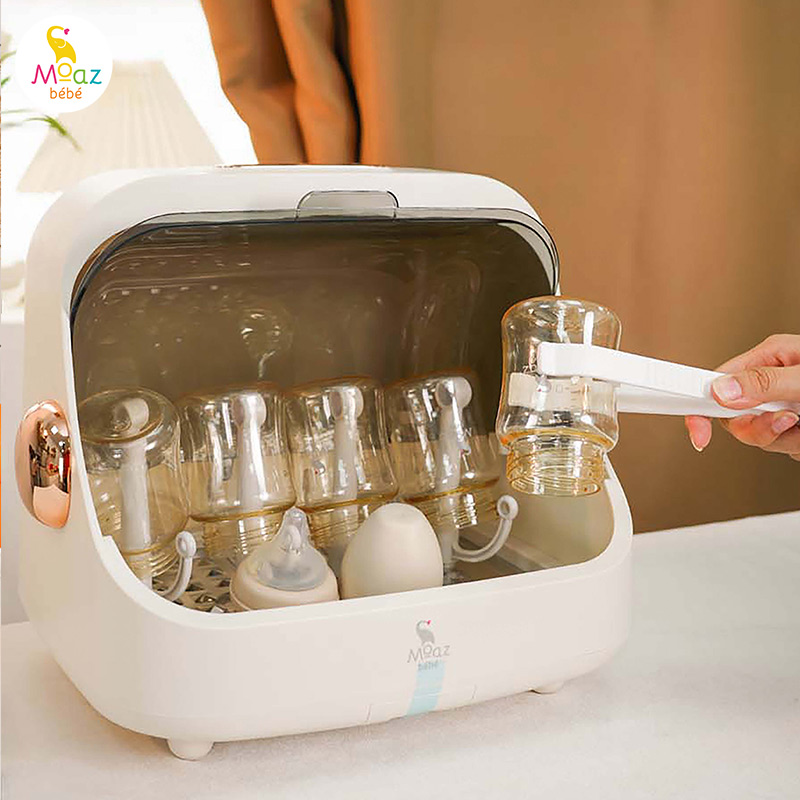
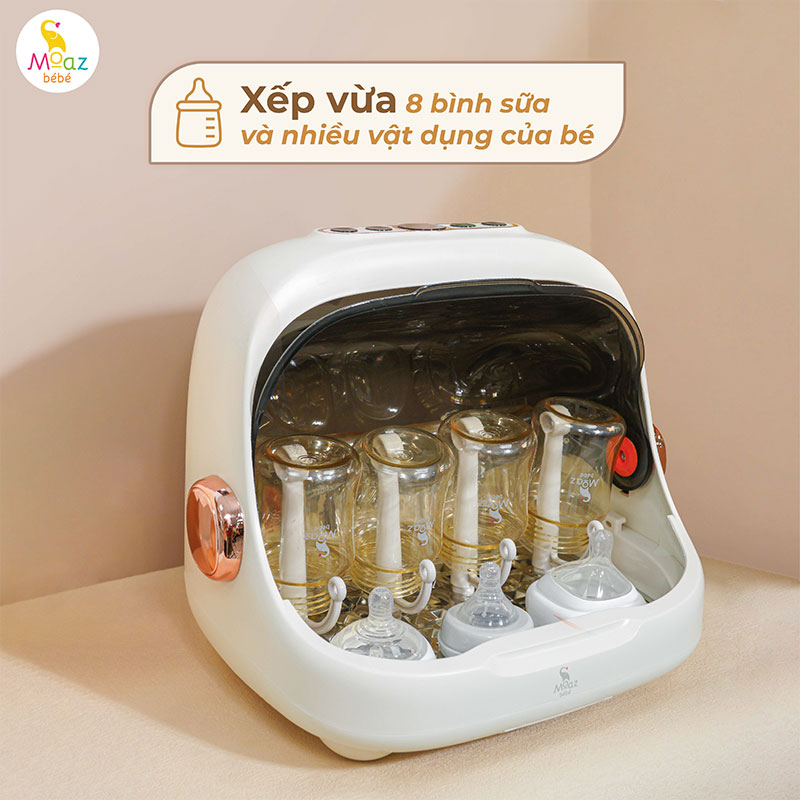
Moaz BéBé MB – 044 UVC ray drying and sterilizer
945.000₫
- Ưu điểm nổi bật
- Compact, modern design with a 20L capacity, fits up to 8 baby bottles
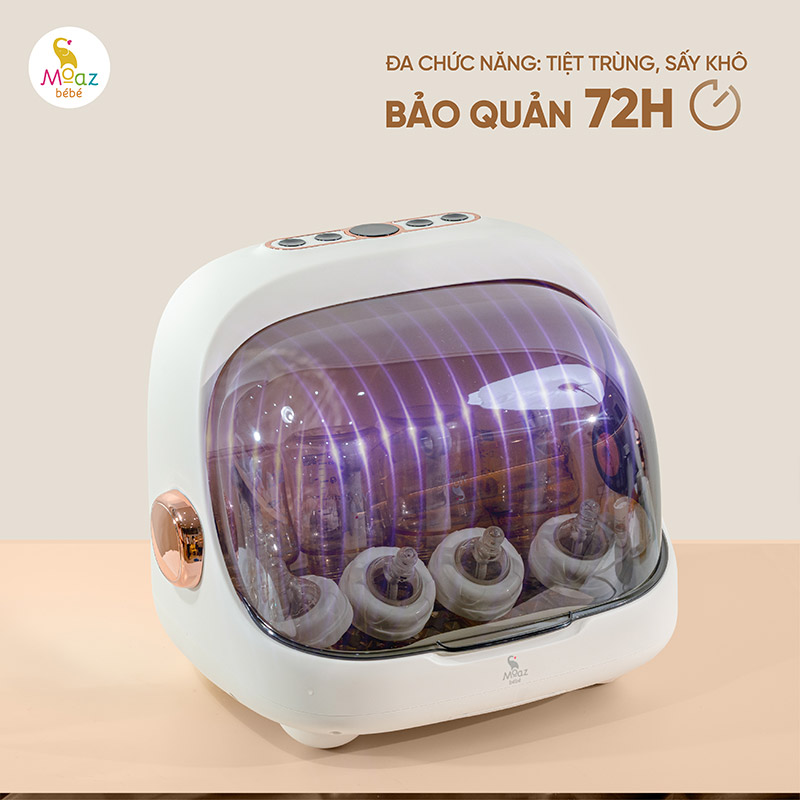
- Multi-functional: Sterilizing, drying, and 72-hour storage
- Equipped with UVC + ION sterilization technology to eliminate bacteria and deodorize
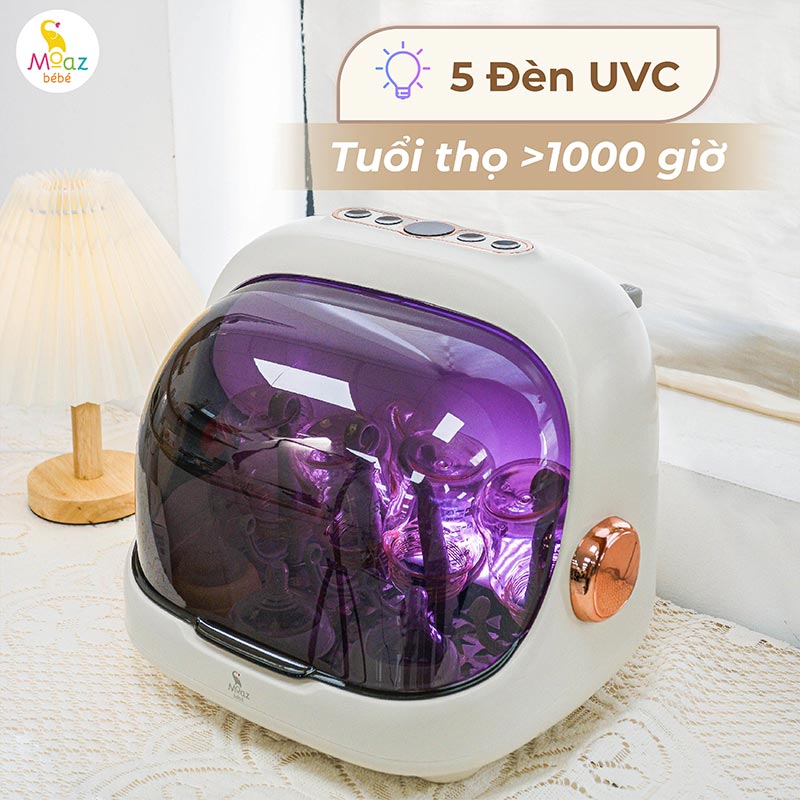
- Features 5 UVC LED lights
- Includes a water tray for collecting and draining leftover water
-
- Mã SP: MB-044 Plus
- Tình trạng: Còn hàng
Mua ngayGọi điện xác nhận và Giao hàng tận nơi
Nếu quý khách ngại đặt hàng. Hãy gọi 0941.415.588 để mua hàng nhanh nhất
Thông số kỹ thuật
| Product Name | Moaz BéBé MB - 044 UVC ray drying and sterilizer |
| Brand | Moaz BéBé |
| SKU | MB - 044 Plus |
| Voltage/Frequency | 220V/50Hz |
| Power | 80W |
| Capacity | 20L |
| Operating Temperature | 50°C – 90°C |
| Ultraviolet Wavelength | 260nm |
| Number of UVC Lights | 5 lights |
| UVC Light Lifespan | More than 1,000 hours |
| Heating Element Lifespan | More than 5,000 hours |
| Net Weight / Gross Weight | 1.6kg / 2.2kg |
| Standards | GB4706.1-2005, GB17988-2008 |
Information about milk bottle inverter, UVC sterilizer and dryer Moaz BéBé MB – 044
The MB-044 UVC Baby Bottle Drying Rack & Sterilizer is a popular choice among parents for sterilizing, drying, and storing baby bottles. With its versatile and convenient functions, the MB-044 provides great support for parents in eliminating harmful bacteria from baby bottles. In addition, its specially designed structure allows parents to organize and place bottles neatly and efficiently.
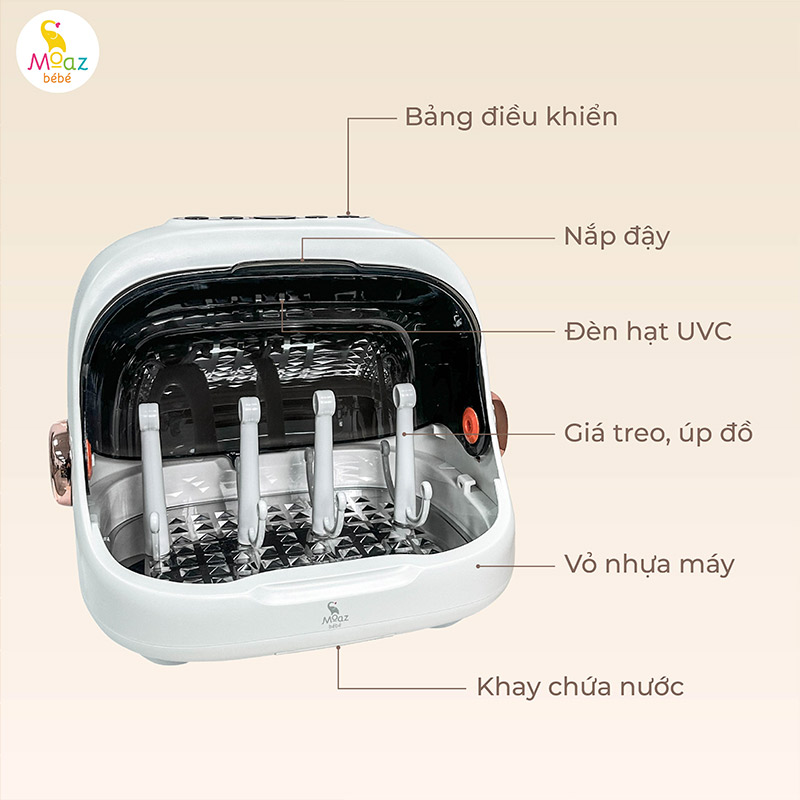
Structure of milk bottle inverter, UVC sterilizer and dryer Moaz MB 044
- Control panel
- Transparent cover
- UVC LED lights
- Bottle rack and drying stand
- Plastic body
- Water collection tray
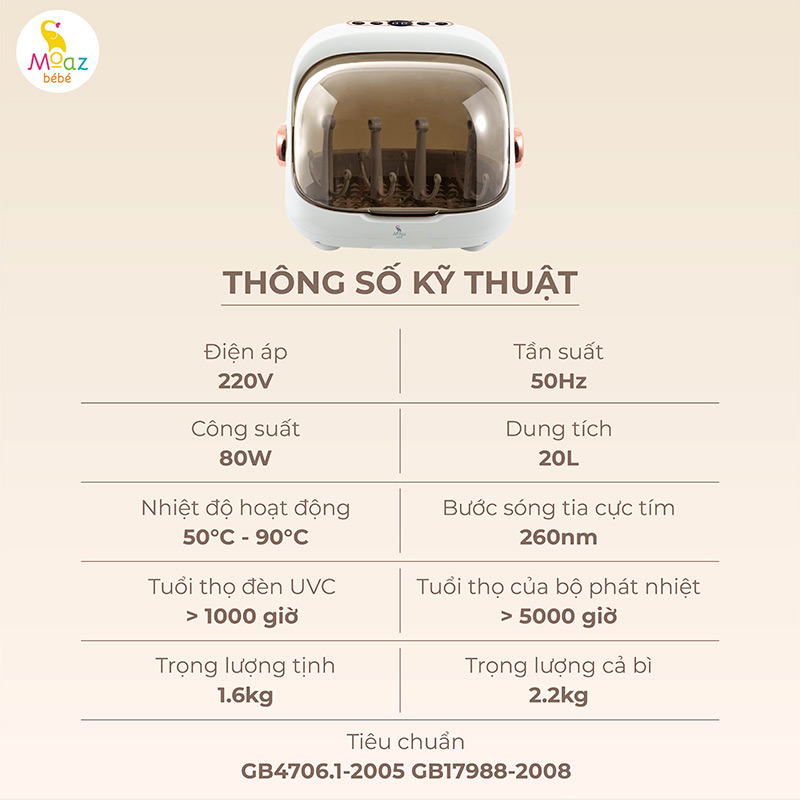
Technical specifications of milk bottle inverter, UVC sterilizer and dryer Moaz BéBé MB – 044
Product Name: UVC Baby Bottle Drying Rack & Sterilizer
Model: MB-044
Brand:
Voltage: 220V
Frequency: 50Hz
Power: 80W
Capacity: 20L
Operating Temperature: 50°C – 90°C
Ultraviolet Wavelength: 260nm
Number of UVC Lights: 5 lights
UVC Light Lifespan: More than 1,000 hours
Heating Element Lifespan: More than 5,000 hours
Standards: GB4706.1-2005, GB17988-2008
Net Weight / Gross Weight: 1.6kg / 2.2kg
Functions of the MB-044
The MB-044 is a new baby bottle sterilizer, dryer, storage unit, and bottle drying rack from Moaz BéBé. The product is designed to sterilize and dry baby bottles, helping eliminate harmful bacteria hidden in small and hard-to-clean parts while keeping bottles dry and hygienic.
In addition, the machine is equipped with a storage function, allowing families to place and store bottles in a clean and sterile environment. The product is currently loved and chosen by many parents for daily use.
Advantages of the MB-044 UVC Baby Bottle Drying Rack & Sterilizer
The MB-044 UVC sterilizer offers the following outstanding features:
- Integrated with multiple functions: sterilizing, drying, storage, and baby bottle organization.
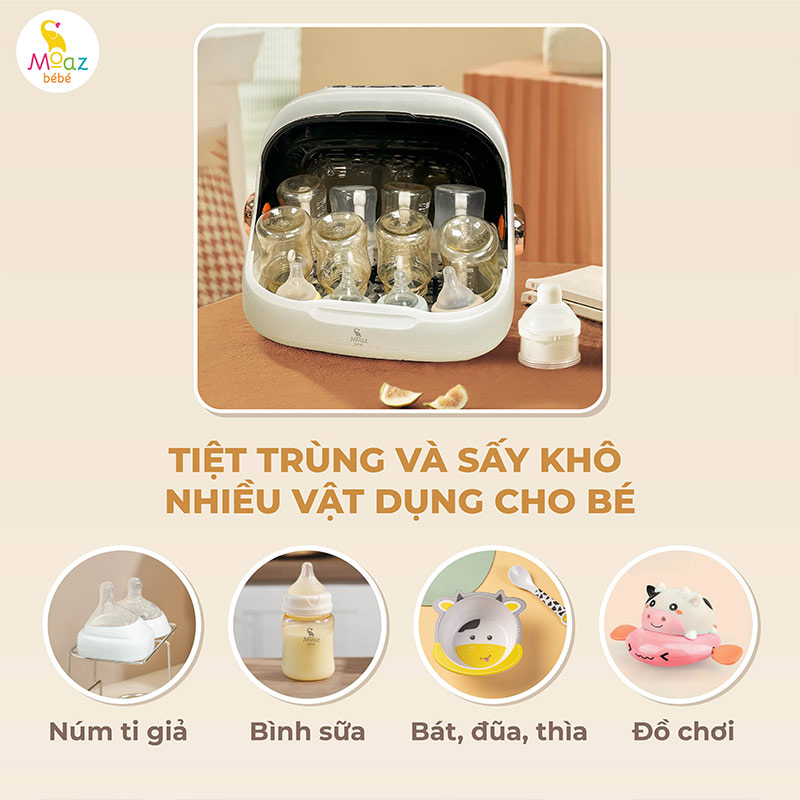
- Effectively sterilizes various baby items such as feeding bottles, pacifiers, toys, baby bowls, chopsticks, and spoons.
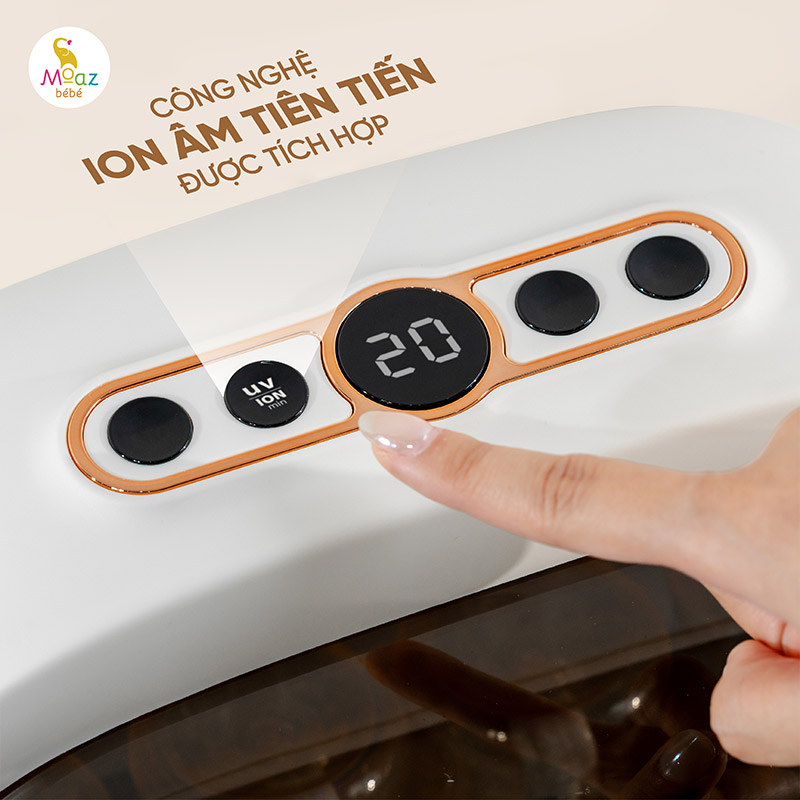
- Uses advanced UVC ultraviolet sterilization technology combined with ION technology to enhance bacteria elimination, reduce the risk of recontamination, ensure safety for health, and remain environmentally friendly.
- Compact size with a stylish and portable design.
- Clear control panel with easy-to-use buttons for convenient operation.
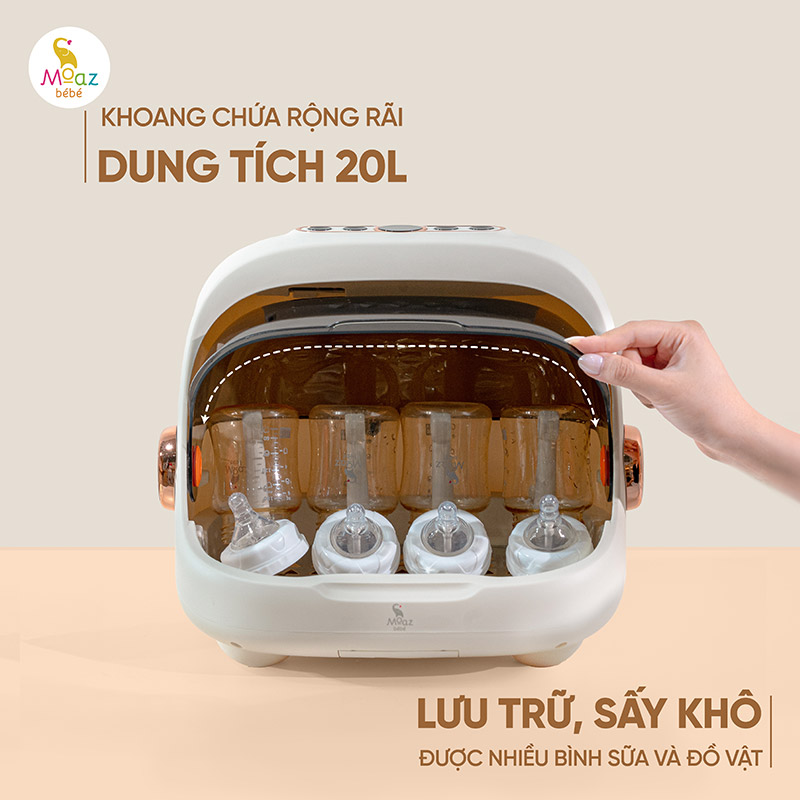
- Large capacity of up to 20 liters.
- Can hold up to 6 baby feeding bottles at the same time.
- UVC lights have a lifespan of more than 1,000 hours.
- Negative ion technology enhances sterilization efficiency, helping eliminate bacteria, mold, and harmful microorganisms while deodorizing and removing unpleasant odors.
- Equipped with a premium BPA-free plastic bottle rack that allows UVC light to reach every corner of the baby bottles more effectively.
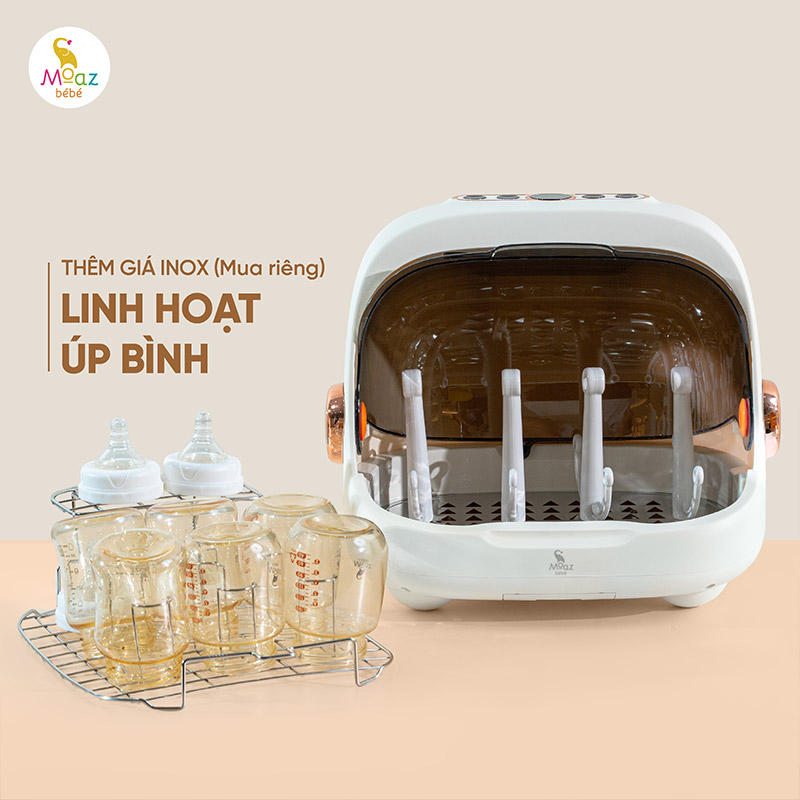
- In addition, an optional stainless steel bottle rack is available separately, giving parents more flexibility when arranging bottles during sterilization.
Instructions for Using the MB-044 UVC Sterilizer
First-Time Use
When using the product for the first time, carefully check all accessories immediately after opening the box.
The product is mainly made from environmentally friendly plastic components, so a slight plastic smell may be present during initial use. Use a clean, dry cloth to wipe both the exterior and interior of the machine.
Next, place a few slices of lemon or ginger inside the machine without adding any other items, then press the AUTO mode to sterilize and remove the new-machine odor. After the cycle is complete, open the lid and leave it open for about 3 hours to help disperse any remaining smell from manufacturing, packaging, storage, and transportation.
Operating Instructions
Step 1:
Connect the power supply. All indicator lights and the control panel display will flash once, the machine will beep, and then enter standby mode.
Step 2:
Select the desired function according to your needs:
AUTO Function
When the machine is in standby mode, press the AUTO button to activate automatic mode.
- Default operating time: 60 minutes
- Press the button repeatedly to adjust the time: 60 → 75 → 90 → 45 → 60 minutes (cycle)
For all time settings, the machine performs UV + ION sterilization for 15 minutes first, then automatically switches to drying mode. During the final minute, cool air is released to help protect the machine after each use.
DRY Function
When the machine is in standby mode, press the DRY button to activate drying mode.
- Default drying time: 45 minutes
- Press repeatedly to adjust the time: 45 → 60 → 75 → 90 → 45 minutes (cycle)
During the final minute, the machine releases cool air to protect the unit after operation.
UV/ION Sterilization Function
When the machine is in standby mode, press the UV button to activate UV + ION sterilization mode.
- Default sterilization time: 15 minutes
- Press repeatedly to adjust the time: 15 → 30 → 45 → 15 minutes (cycle)
During the final minute, cool air is released to protect the machine after operation.
Storage Function (STO)
The default storage duration is 72 hours.
When the machine is in standby mode, press the STO button to activate storage mode. The machine can also automatically enter storage mode after completing other functions.
The process works as follows:
- The machine first runs UV + ION sterilization and drying simultaneously for 15 minutes.
- It then continues independent drying for another 44 minutes.
- The final minute uses cool air to protect the motor.
Every 3 hours, the machine automatically performs a 10-minute sterilization and drying cycle until the storage period ends. The final minute always uses cool air for machine protection.
Notes
- When selecting any function, the corresponding function light will flash while the lights of other functions remain on. After selecting the time, if there is no further operation within 3 seconds, the machine will automatically start working.
- During operation, pressing the currently active function button again will turn the machine off. Pressing another function button will switch to the selected function.
- Only place items into the sterilizer after cleaning and shaking off excess water.
- Do not place fabric items or food inside the machine.
- After the sterilization and drying process is completed, wait about 20 minutes before opening the machine to avoid burns caused by hot air or ultraviolet radiation from the UVC lights.
Some Notes for Cleaning the Machine
- Disconnect the power supply and allow the device to cool down to a normal temperature before cleaning.
- Clean the interior, exterior, and body of the machine with a clean cloth. Do not use corrosive cleaning agents or steel wool to clean the product.
- Do not immerse the product in water or rinse it directly with water to avoid short circuits or electrical leakage.
- Regular use of the machine, at least once a week, can effectively help prevent bacterial growth.
- Do not place towels, dishcloths, or other items on top of the machine.
Xem thêm
Khách hàng nhận xét
Sản phẩm liên quan









There are no reviews yet.